
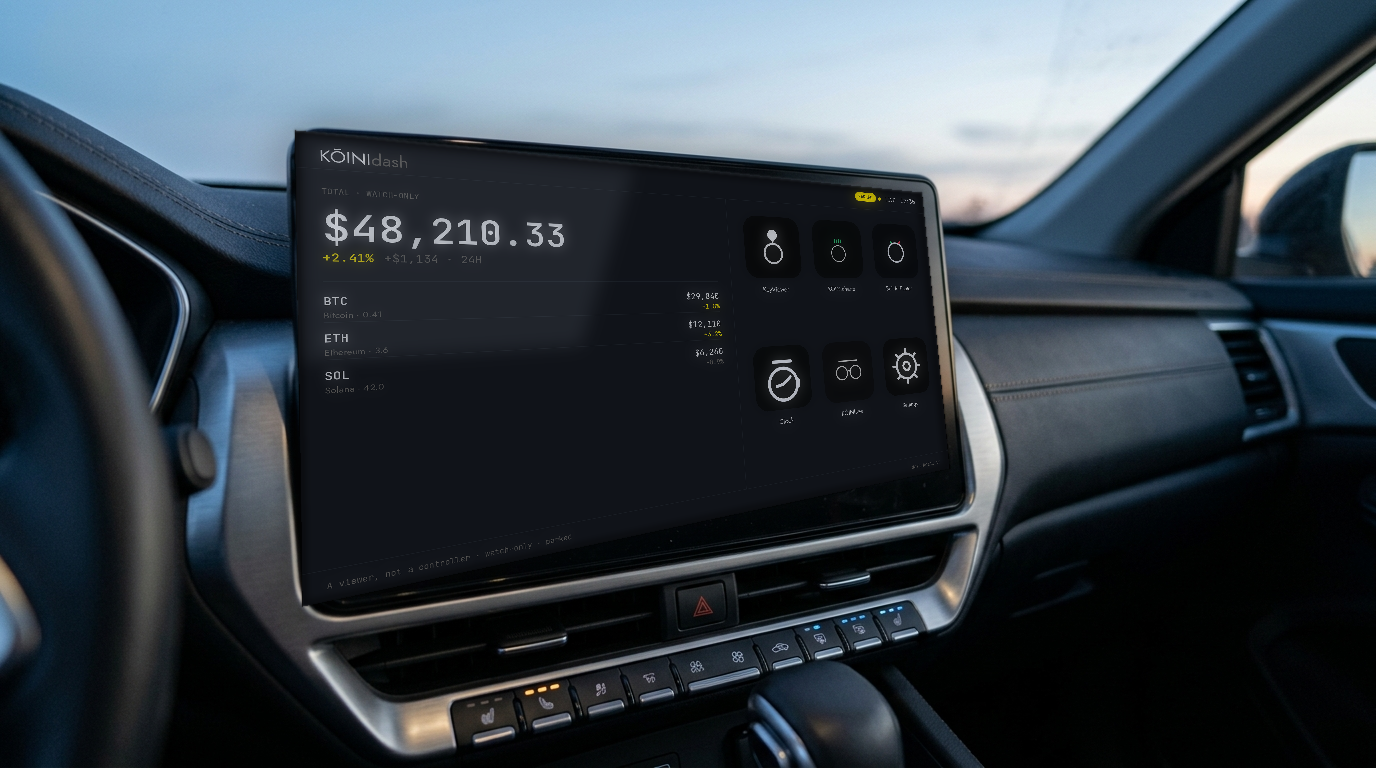
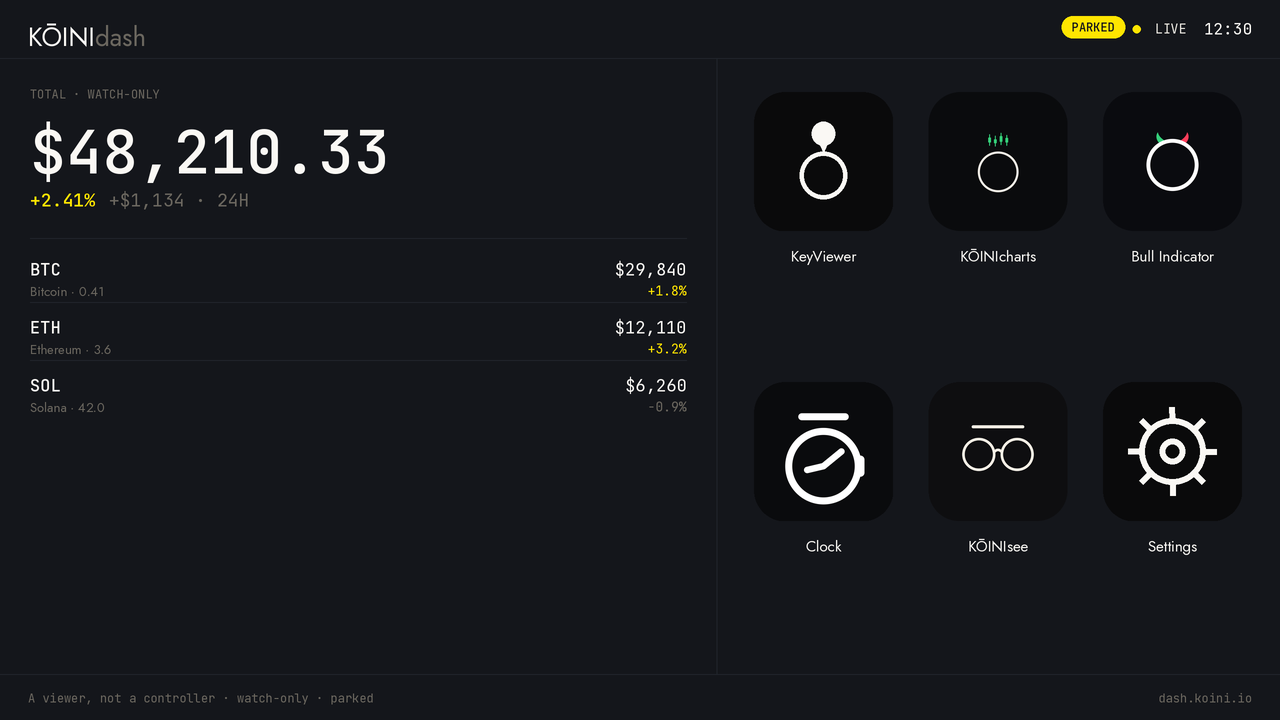
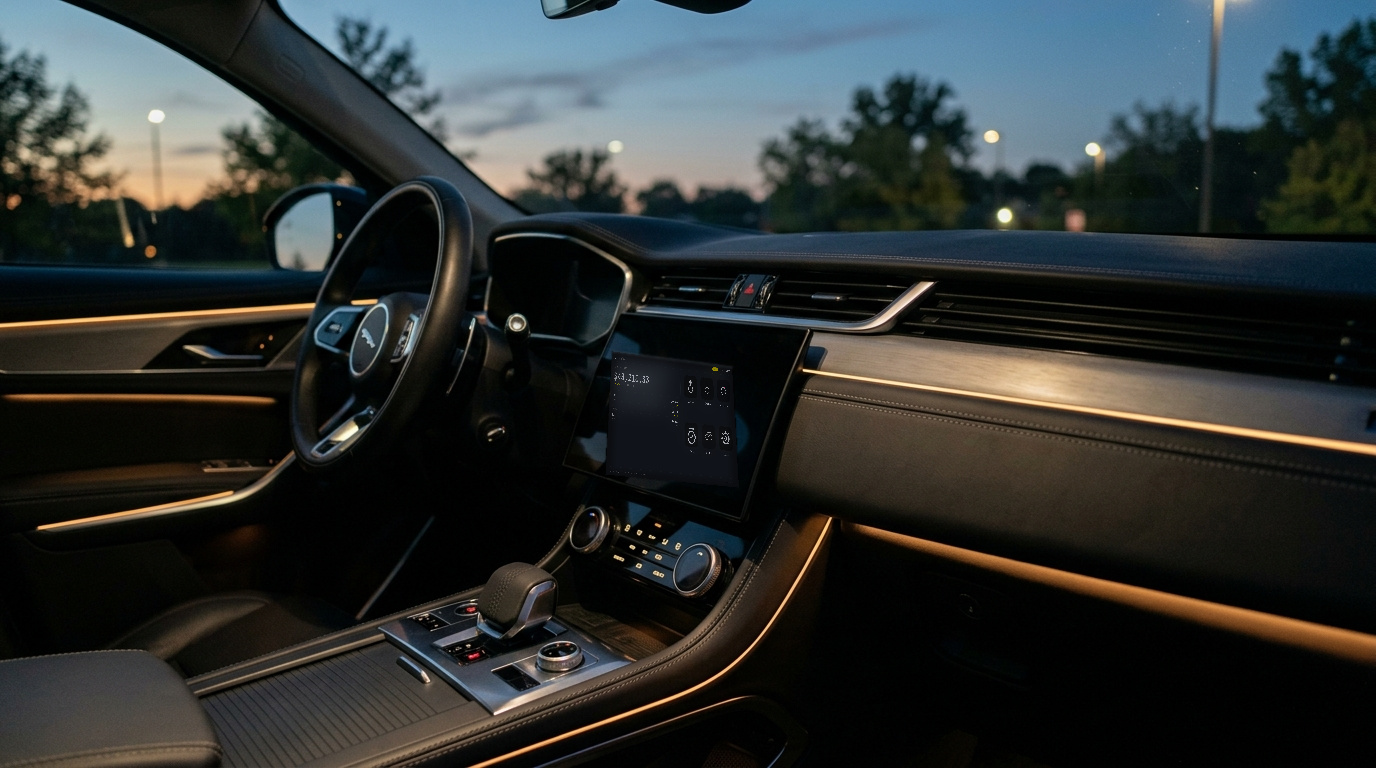
KŌINIdash plugs into your car's factory CarPlay or Android Auto port and paints its own interface on the display. A viewer, not a controller — watch-only, parked-use, no trading.
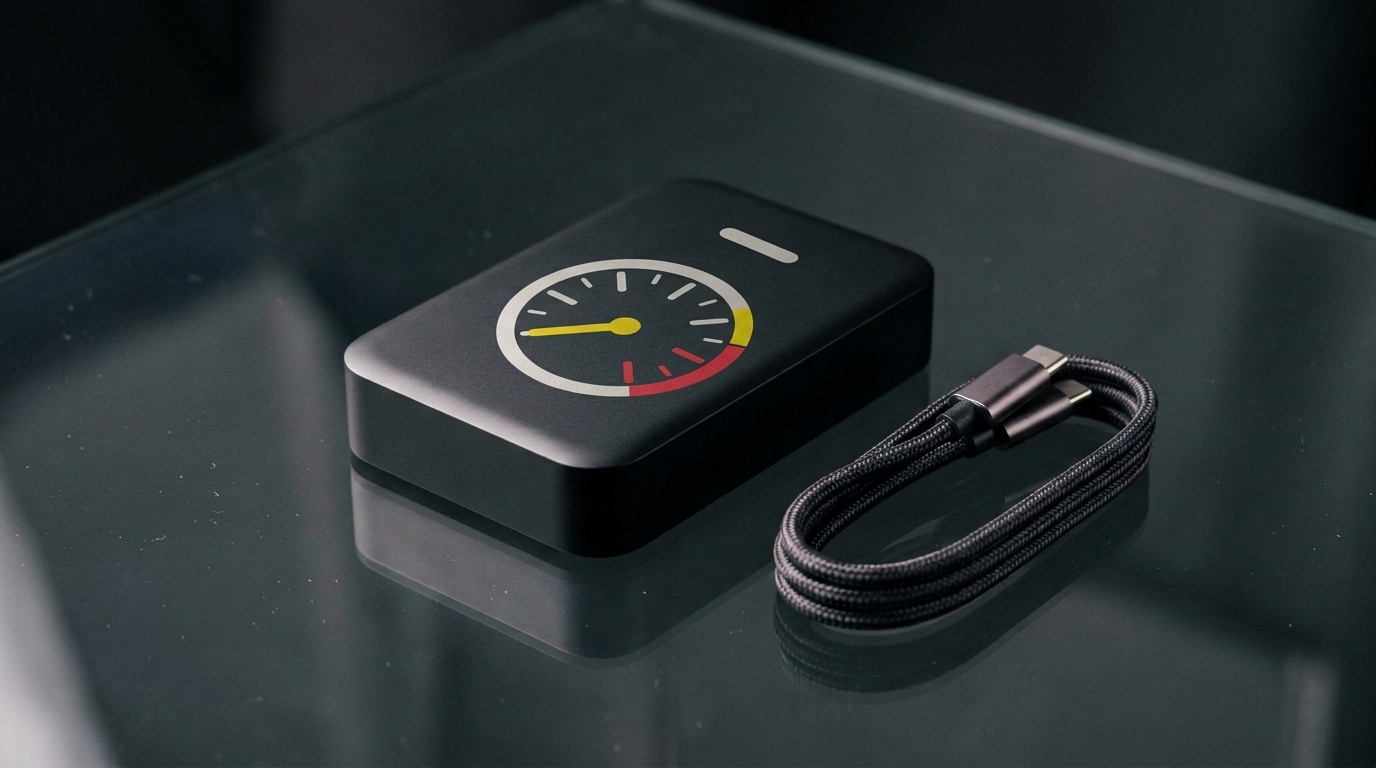
KŌINIdash is a compact adapter that connects to the USB port your car already uses for CarPlay or Android Auto. No app store on the dash to wrestle with, no accounts to sign into in the car — it comes out of the box as KŌINIdash.
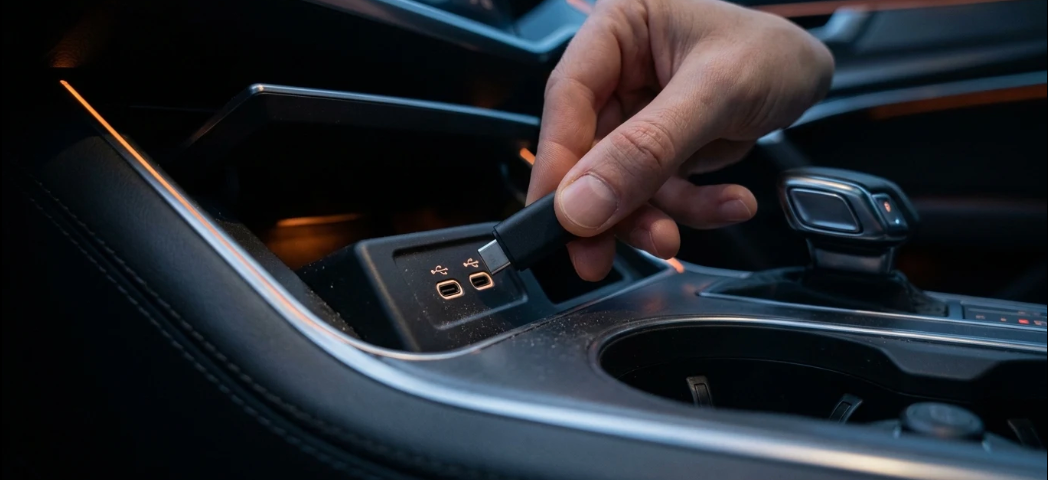
Connect KŌINIdash to the USB port your car uses for wired CarPlay or Android Auto.
Add your watch-only wallet addresses once, on your phone — where it's easy. The dash reads them; it never holds your keys.
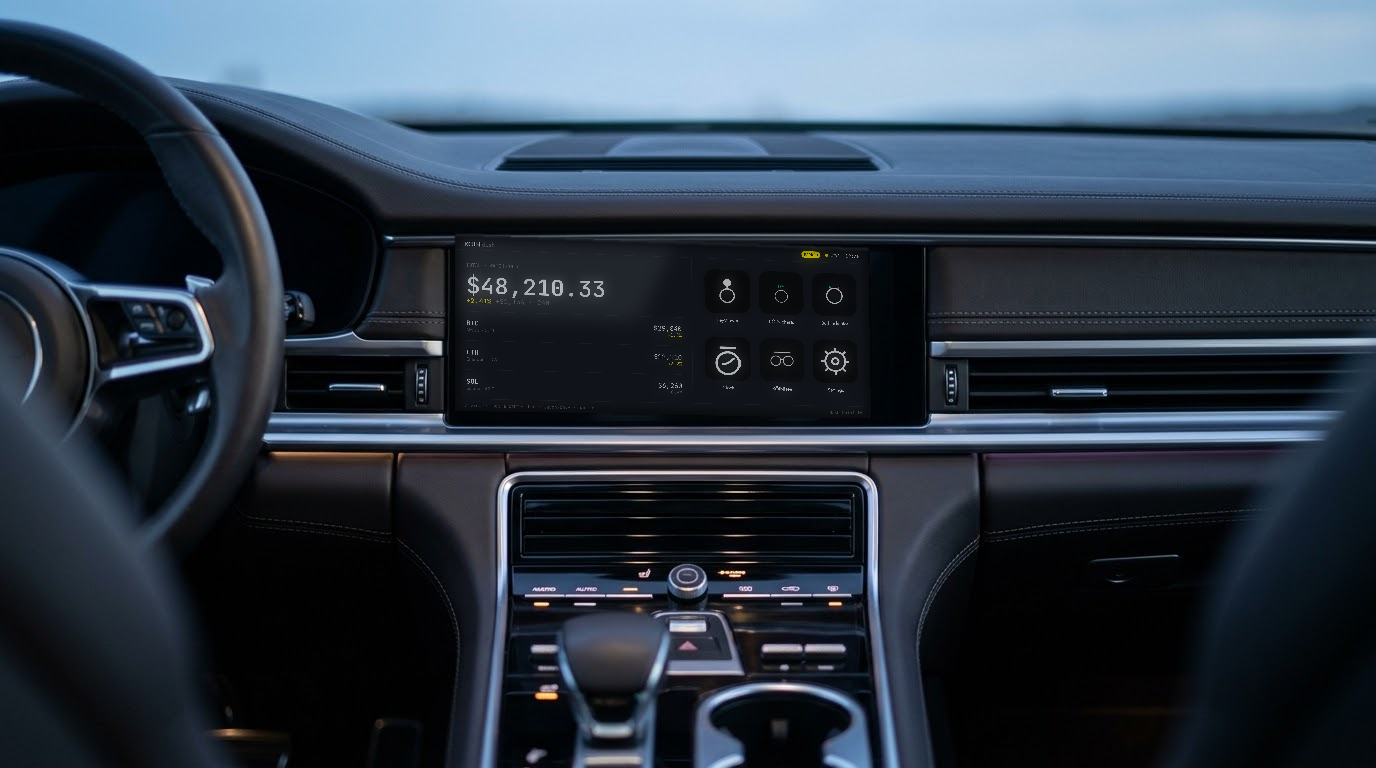
Power on and your portfolio total, holdings and 24h change are there — a one-look read, built for a parked car.
Watch-only. No seed phrases, no signing keys, no withdrawal-capable API keys — ever. If the dongle is lost, there is nothing on it to lose.
The adapter, flashed and branded — KŌINIdash from the first boot.
Braided cable, plus any adapter your port needs.
Plug in, set up on your phone, glance. No seed cards, no accounts.
KŌINIdash connects through your car's existing wired CarPlay or Android Auto. It doesn't work with every vehicle — check yours before you reserve.
Most vehicles with factory wired Apple CarPlay or Android Auto.
Not sure? Reserve, tell us your make, model and year, and we'll confirm before anything ships.
No. KŌINIdash is read-only by design. There are no seed phrases, signing keys or withdrawal-capable API keys on the device — it shows your holdings, it can't touch them.
You add watch-only wallet addresses once, on your phone. The dashboard reads public, on-chain balances for those addresses. Nothing private leaves your phone.
It works through factory wired CarPlay or Android Auto. It won't work in a Tesla, some newer GM EVs, and BMW needs a specific SKU. Reserve and send your make/model/year and we'll confirm first.
It's built for a parked car. Interactive screens are parked-only — glance at your dash when you're stopped, not while you're moving.
No subscription to view your portfolio. The device rides on your phone's hotspot or your car's Wi-Fi for live prices.
Leave your email and your car's make, model and year. We'll confirm compatibility and let you know the moment KŌINIdash ships.
No charge to reserve. We'll only email you about KŌINIdash.